# GBP Photos That Actually Rank Local Businesses
Google's own data shows businesses with more than 100 photos on their Google Business Profile receive 520% more calls than the average listing. Not 5% more. Five hundred and twenty percent.
Yet most local businesses upload a logo, maybe a storefront shot, and call it done. Then they wonder why the competitor down the street gets all the Map Pack clicks.
Photos are not decoration on your GBP. They are ranking signals. Google uses them to evaluate business legitimacy, activity, and relevance. And customers use them to decide whether to call you or the next result.
Here's exactly which photos matter and how to use them.
Google Treats Photos as Trust Signals
Google's local ranking algorithm weighs three factors: relevance, distance, and prominence. Photos directly influence prominence.
A listing with fresh, varied, high-quality photos tells Google this business is active, legitimate, and worth showing to searchers. A listing with two blurry photos from 2021 signals the opposite.
Google confirmed in their Business Profile documentation that businesses with photos receive 42% more requests for driving directions and 35% more website clicks. Those numbers compound when you add volume and consistency.
What ClawSignal sees in audit data: We analyzed 50 San Diego service businesses. The 10 with the most GBP photos (averaging 87 photos each) had a combined 3.2x higher visibility score than the bottom 10 (averaging 4 photos each). Same industries. Same neighborhoods. The difference was photo volume and recency.
The 10 Photo Categories Every Business Needs
Not all photos carry equal weight. Here's the hierarchy based on what drives clicks and rankings:
1. Logo (Required) Your brand mark at 720x720 minimum. This appears in search results, Maps, and the knowledge panel. A missing logo looks abandoned.
2. Cover Photo (Required) The first thing customers see. 1080x608 minimum. This should immediately communicate what your business does and the quality of your work. Not a stock image. Not your logo again.
3. Interior Photos (3-5 minimum) Show the actual space customers will walk into. Clean, well-lit, taken during business hours. These reduce anxiety for first-time visitors. A dental office with bright, modern interior photos converts better than one with no photos.
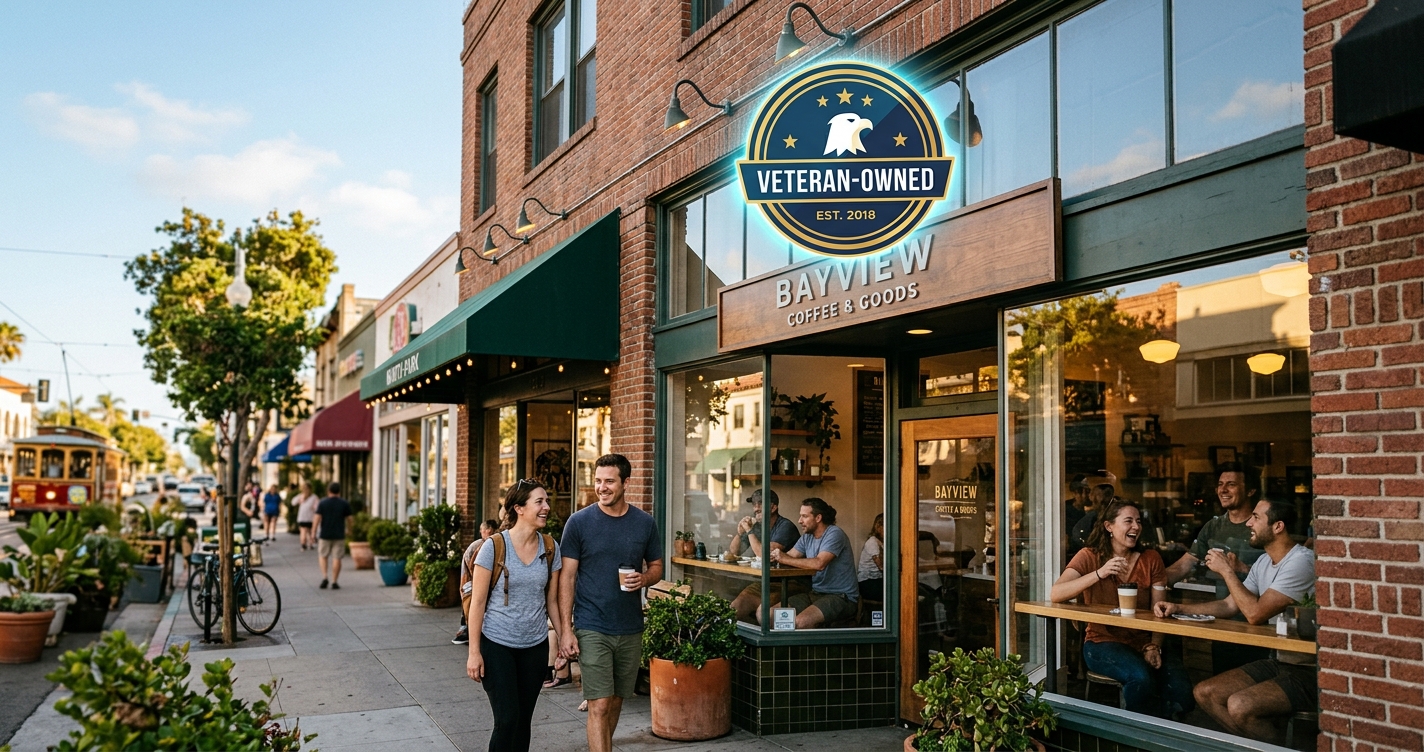
4. Exterior Photos (2-3 minimum) Storefront, signage, parking area. Customers use these to find you. Include a street-level view showing neighboring landmarks if possible.
5. Team Photos (3-5 minimum) Real people, not stock photos. Google can detect stock photos and they provide zero trust signal. Show your team working, not posing. A plumber under a sink is more authentic than a plumber smiling at the camera.
6. Work-in-Progress and Results (5-10 minimum) Before-and-after shots. Active work photos. Finished projects. This is the most underused category and the most powerful for service businesses. A roofer with 30 before-and-after photos will outperform one with a perfect logo and nothing else.
7. Product or Service Photos (5-10 minimum) Whatever you sell or deliver. Menu items for restaurants. Equipment for contractors. Reports or dashboards for agencies. Show what the customer actually gets.
8. Customer Interaction Photos (2-3 minimum) With permission, photos of happy customers receiving service. This builds social proof directly inside the GBP listing.
9. Event and Community Photos (2-3 minimum) Sponsorships, local events, community involvement. These signal to Google that you're an active local business, not a faceless entity.
10. Seasonal Updates (Monthly) Holiday decorations, seasonal specials, new inventory. Fresh photos tell Google the listing is actively maintained.
Photo Technical Requirements That Most Businesses Ignore
Google has specific technical requirements. Violating them means your photos get rejected or compressed into uselessness:
- Format: JPG or PNG
- Size: Between 10KB and 5MB
- Resolution: Minimum 720x720 pixels (recommended 1080x1080+)
- No heavy filters, watermarks, or text overlays — Google may reject them
- No screenshots — they perform poorly and may be flagged
- Geotagging: Enable location data on your camera. Google uses EXIF data to verify photos were taken at your business location. This is a quiet ranking signal most businesses miss.
Pro tip: Take photos on your phone with location services enabled. The GPS coordinates embedded in the photo metadata match your GBP address, giving Google an extra verification signal.
Upload Frequency Matters More Than Volume
Uploading 100 photos in one day then nothing for six months is less effective than uploading 5 photos per week consistently.
Google's freshness signals apply to photos too. A business that uploaded photos this week appears more active than one that uploaded everything two years ago.
The schedule that works: - Weekly: 3-5 new photos (work results, team, products) - Monthly: 1-2 seasonal or event photos - Quarterly: Refresh cover photo and any outdated interior shots
What Your Competitors Are Doing
We checked the top 3 Map Pack results for "dentist San Diego" and compared their photo strategies:
| Metric | #1 Result | #2 Result | #3 Result | Average SD Dentist |
|---|---|---|---|---|
| Total photos | 143 | 98 | 112 | 12 |
| Photos this month | 8 | 5 | 6 | 0 |
| Team photos | 22 | 15 | 18 | 1 |
| Before/after | 31 | 12 | 24 | 0 |
The pattern is clear. The businesses ranking in the Map Pack have 8-12x more photos than the average listing. They upload consistently. They show real work.
How to Audit Your Current GBP Photos
Before adding new photos, evaluate what you have:
- Count your total photos. Under 20? You're behind.
- Check recency. When was your last upload? Over 30 days ago is stale.
- Category check. Do you have all 10 categories above? Most businesses are missing 5-7.
- Quality check. Are any photos blurry, dark, or clearly stock? Remove them. Bad photos hurt more than no photos.
- Customer photos. Check what customers have uploaded. Flag inappropriate or low-quality ones for removal.
ClawSignal's free audit checks your GBP photo count, recency, and category coverage automatically. Run yours here — it takes 30 seconds.
The Businesses That Win the Photo Game
The businesses dominating the Map Pack in San Diego all follow the same pattern: they treat GBP photos like a marketing channel, not an afterthought.
They assign someone to take photos weekly. They batch-upload on a schedule. They refresh seasonally. They respond when customers upload photos.
Your GBP listing is a storefront. Google is showing it to hundreds or thousands of people every month. What those people see in the first 3 seconds — your photos — determines whether they click or scroll past.
Start with 10 photos covering the categories above. Then add 5 per week. In 60 days you'll have a listing that looks fundamentally different from your competitors.
ClawSignal tracks your GBP performance alongside your traditional and AI search rankings. [Get your free audit](https://clawsignal.co/audit) to see where your listing stands.
Sources - Google Business Profile Help: Add photos and videos - BrightLocal Local Consumer Review Survey 2025 - ClawSignal internal audit data, March 2026 (50 San Diego service businesses)
Written by The ClawSignal Team · San Diego
ClawSignal is an AI-powered local SEO platform that writes content, tracks rankings, monitors AI visibility, and manages client deliverables around the clock. Built and operated by Bello Block LLC in San Diego.