# How to Get More Google Reviews Without Being Pushy
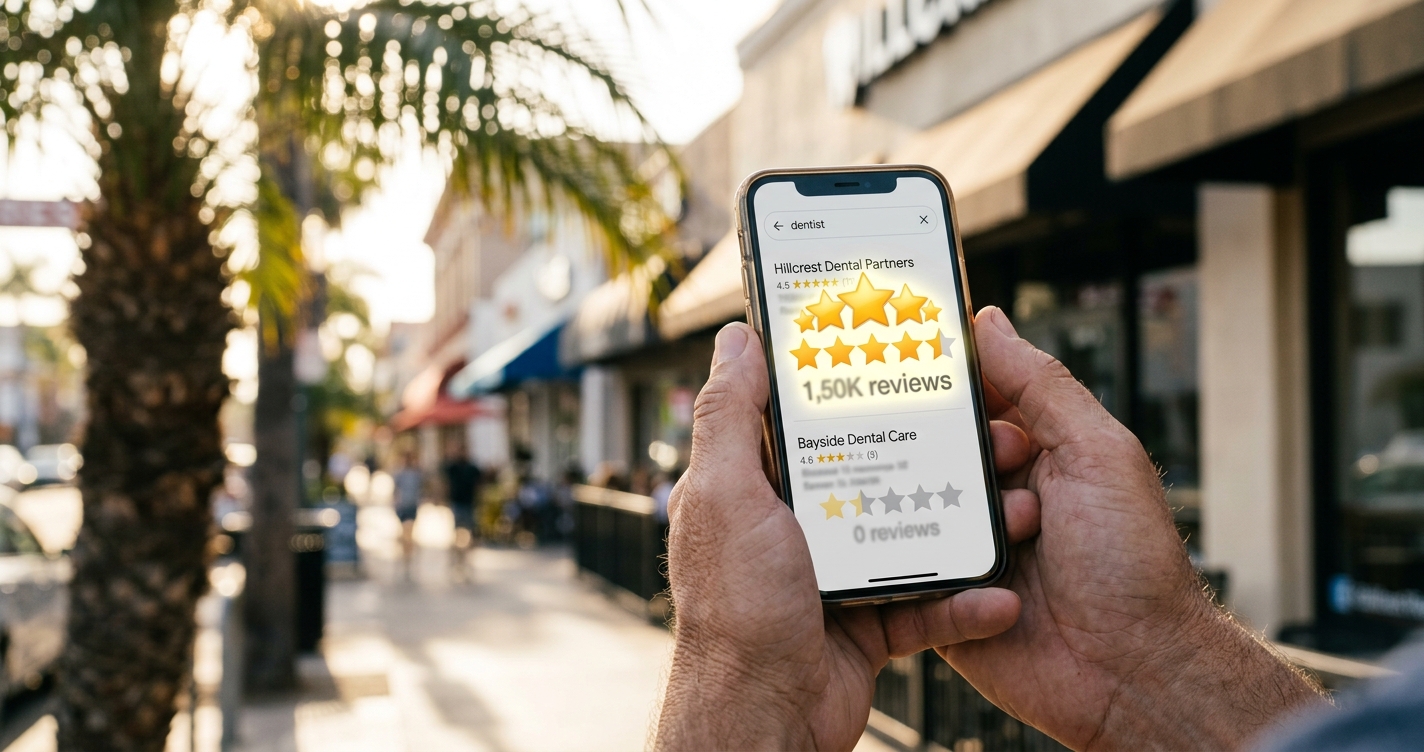
A dentist in San Diego's Hillcrest neighborhood had 12 Google reviews. Her competitor two blocks away had 187. Both had been practicing for about the same number of years. Both had similar patient satisfaction rates. The difference in their local search visibility was enormous — the competitor showed up in the Google 3-pack for 14 different keywords. She showed up for zero.
Reviews aren't a vanity metric. They're a ranking factor, a trust signal, and a conversion tool all at once. Businesses with 100+ Google reviews get roughly 3x more calls from Google Maps than businesses with fewer than 20. But most business owners either don't ask for reviews, ask awkwardly, or gave up after a few attempts that felt uncomfortable.
Here's how to build a review system that runs consistently without making you or your customers feel weird about it.
Why Google Reviews Matter More Than You Think
Google has confirmed that reviews influence local search rankings. The three factors they weight are relevance, distance, and prominence — and reviews are a major component of prominence.
But it goes beyond ranking. Here's what happens when your review count grows:
Click-through rates increase. A BrightLocal study found that 87% of consumers read online reviews for local businesses. When someone sees two results in the map pack — one with 34 reviews at 4.2 stars and another with 156 reviews at 4.6 stars — they click the second one almost every time.
Conversion rates improve. Reviews contain the social proof that turns a searcher into a caller. Specific reviews — "they fixed my AC in 2 hours on a Saturday" — do more selling than anything you could write on your website.
Google gives you more visibility. More reviews with positive sentiment mean Google shows your listing more often, in more positions, for more queries. It's a compounding effect — more reviews lead to more visibility, which leads to more customers, which leads to more reviews.
AI platforms use review data. When ChatGPT, Perplexity, or Claude recommends a local business, review volume and sentiment heavily influence which businesses get mentioned. Your AI visibility is directly tied to your review profile.
The Math of Review Velocity
Review velocity — how quickly new reviews come in — matters as much as total count. Google's algorithm weights recent reviews more heavily than old ones. A business with 200 reviews but nothing new in 6 months will lose ground to a business with 80 reviews that gets 5 new ones every week.
Here's a realistic target by business type:
Service businesses (plumbers, HVAC, electricians): 8-12 reviews per month. You complete jobs daily, and each one is a review opportunity.
Restaurants and retail: 15-25 reviews per month. Higher transaction volume means more ask opportunities.
Professional services (lawyers, dentists, accountants): 4-8 reviews per month. Fewer clients but higher-value relationships.
Medical practices: 4-6 reviews per month. HIPAA considerations limit how you can ask, but patients still leave reviews voluntarily.
The key number is consistency. Five reviews every week beats 30 reviews in one week followed by silence.
The System: 5 Components That Work Together
This isn't a single tactic — it's a system. Each component reinforces the others. Set it up once and it runs with minimal daily effort.
Component 1: The Direct Link
Google provides a direct link to your review page. When a customer clicks it, they land directly on the "write a review" box — no navigating, no searching for your business, no confusion.
To get your link: open Google Maps, find your business, click "Write a review," and copy the URL. Or search "Google review link generator" and enter your business name.
Shorten it with a service like Bitly so it's easy to text or print: something like bit.ly/review-[yourbusiness].
This link is the foundation of everything else. Every review request method should use it.
Component 2: The Post-Service Ask
The single most effective moment to ask for a review is immediately after delivering your service — when the customer is happiest. Not a day later. Not in a follow-up email a week later. Right then.
Here's the script that works without being pushy:
"Thanks for choosing us. If you had a good experience, we'd really appreciate a Google review — it helps other people find us. I can text you the link right now if you'd like."
That's it. No pressure. No guilt. You're making it easy and giving them an out. Most people say yes in the moment because they're genuinely satisfied and it takes 30 seconds.
The key word is "if." "If you had a good experience" gives them permission to say no without awkwardness. It also filters out unhappy customers — you don't want to direct a dissatisfied person to your review page.
Component 3: The Automated Follow-Up
Not every customer will leave a review on the spot. Some intend to but forget. An automated follow-up 2-4 hours later captures these.
Send a text message (not email — text messages have a 98% open rate vs 20% for email):
"Hi [Name], thanks for choosing [Business Name] today! If you have 30 seconds, a Google review helps us a lot: [link]. Thanks! — [Your name]"
Tools like Podium, Birdeye, or even a simple CRM with SMS can automate this. The timing matters — 2-4 hours is the sweet spot. Same-day while the experience is fresh, but enough time that it doesn't feel like you're hovering.
If you don't use a CRM, set a daily reminder to text the day's customers at 5 PM with the review link.
Component 4: The Physical Touchpoints
Put your review link where customers can see it without being asked:
QR code at checkout. Print a small sign: "Enjoyed your visit? Scan to leave a review." Place it at the register, on the counter, or on the table tent. No words needed from your staff — the sign does the asking.
Review card. A business card-sized handout with a QR code and "We'd love your feedback — scan or visit [short link]." Hand it with the receipt.
Email signature. Add "Leave us a Google review" with the link to every employee's email signature. Passive, always visible, zero effort.
Invoice footer. If you email invoices, add the review link to the footer. The customer just paid you, they're thinking about your business, and the link is right there.
Component 5: The Response Loop
Responding to every review — positive and negative — does three things: it signals to Google that you're an active business (which helps rankings), it shows potential customers that you care (which helps conversion), and it encourages more reviews (because people see that their feedback is read).
For positive reviews, keep it brief and personal: "Thanks, Maria! Glad we could help with the AC before the weekend. See you next time."
For negative reviews, respond professionally within 24 hours. Acknowledge the issue, apologize for the experience, and offer to make it right offline: "We're sorry to hear this, James. That's not the experience we aim for. Please call us at [phone] — we'd like to make this right."
Never argue, never get defensive, never explain why the customer is wrong. Other potential customers are reading your response, and how you handle criticism matters more than the criticism itself.
The Mistakes That Kill Review Momentum
Asking once and stopping. A single review push gets you a burst of reviews that quickly fades. The system needs to be embedded in your daily operations — every customer, every time, automatically.
Offering incentives. Google's terms of service prohibit offering discounts, gifts, or payments for reviews. Businesses that get caught lose reviews and can lose their listing entirely. Don't do it.
Buying fake reviews. Google's detection has improved dramatically. Fake reviews get removed, your business gets flagged, and the penalty can tank your visibility for months. We've seen San Diego businesses go from page 1 to invisible after a fake review purge.
Only asking happy customers. This sounds smart but creates a legal gray area (FTC guidelines require that review solicitation isn't selectively biased). Ask everyone — the script with "if you had a good experience" naturally filters without selective solicitation.
Ignoring other platforms. Google reviews are the priority, but reviews on Yelp, Facebook, and industry directories expand your presence in AI search results and build a more resilient reputation profile. Ask for Google first, but don't discourage customers from reviewing elsewhere.
How Reviews Feed AI Visibility
Here's something most businesses don't know yet: AI search platforms — ChatGPT, Perplexity, Claude, Gemini — factor review data into their recommendations. When we run AI visibility scans at ClawSignal, businesses with strong review profiles across multiple platforms appear in AI recommendations far more often than businesses with thin review histories.
Reviews provide LLMs with three things they need to make recommendations: evidence of quality (star rating), evidence of consistency (review volume over time), and specific details about services (review text). A business with 200 detailed reviews gives an AI model much more to work with than a business with 15 generic ones.
This is the multiplier effect: more Google reviews improve your Google Maps ranking, your click-through rate, your AI visibility, and your conversion rate simultaneously. One activity, four outcomes.
Tracking Your Progress
Set a baseline: count your current reviews, note your average rating, and record your current Google Maps position for your top 3 keywords. Then track monthly:
- New reviews this month (target: your industry benchmark above)
- Average rating trend (should be stable or increasing)
- Response rate (target: 100% — respond to every review)
- Google Maps position changes for target keywords
If you're getting 5+ reviews per month and responding to all of them, you should see ranking improvements within 60-90 days.
FAQ
How many Google reviews do I need to rank in the 3-pack? There's no magic number, but businesses in the local 3-pack typically have 2-5x more reviews than businesses that don't appear. In competitive San Diego categories like restaurants and dentists, the top 3 usually have 150+ reviews. In less competitive categories, 50+ can be enough.
Should I respond to every review? Yes. Every single one. Google has confirmed that review responses are a factor in local rankings. It also shows potential customers that you're engaged and care about feedback.
What if I get a fake or spam review? Flag it through Google Business Profile. Google removes reviews that violate their policies — fake reviews, reviews from non-customers, and reviews with offensive content. Document why you believe it's fake when you report it.
How do I ask for reviews without being annoying? The script in Component 2 works because it's conditional ("if you had a good experience"), it's immediate (right after service), and it's easy (you offer to text the link). One ask, one follow-up. Never more than that per customer.
Do reviews on other platforms help my Google ranking? Not directly — Yelp reviews don't influence Google's algorithm. But they help your overall online presence, which improves AI visibility across platforms like ChatGPT and Perplexity that pull from multiple sources. A strong multi-platform review profile is more resilient than a Google-only strategy.
Sources: BrightLocal Consumer Review Survey (2025), Google Business Profile Help documentation, FTC Endorsement Guidelines (2024 update), ClawSignal internal scan data (2026).